

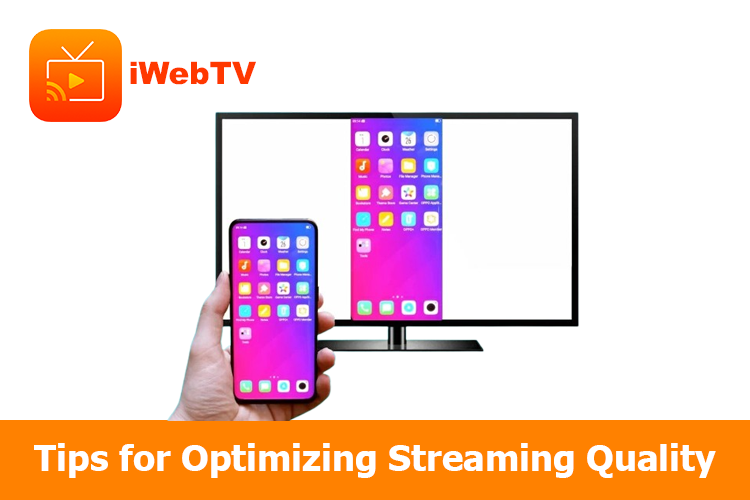
To optimize streaming quality and device compatibility for iWebTV, ensure a strong and stable internet connection, update your devices and streaming app, and adjust video resolution to match your TV’s capabilities.
Optimizing iWebTV Streaming
1. Internet Connection
- Check your speed (minimum 5 Mbps for HD)
- Use wired Ethernet for stability
- Limit other devices using your network
- Use Wi-Fi extenders or reposition your router
2. Device & App
- Keep your streaming device and smartphone updated
- Install the latest iWebTV app version
- Close background apps
- Restart devices regularly
3. Video Quality
- Lower resolution if experiencing buffering
- Verify your TV supports your chosen resolution
4. Other Tips
- Keep electronics away from your router
- Adjust encoder settings for your own content
- Use content delivery networks for reliability
Conclusion
To ensure a smooth streaming experience with iWebTV, maintain a fast and stable internet connection, update your devices and app regularly, and optimize video quality settings based on your network speed. Additionally, minimize Wi-Fi interference, close unnecessary apps, and restart your devices periodically to improve performance. By following these tips, you can enhance streaming quality and compatibility for a seamless viewing experience.

Related Posts
Some devices often encounter errors when using the iWebTV app. Please refer to the...

Watching movies on TV with iWebTV is simple. The app streams content from your...